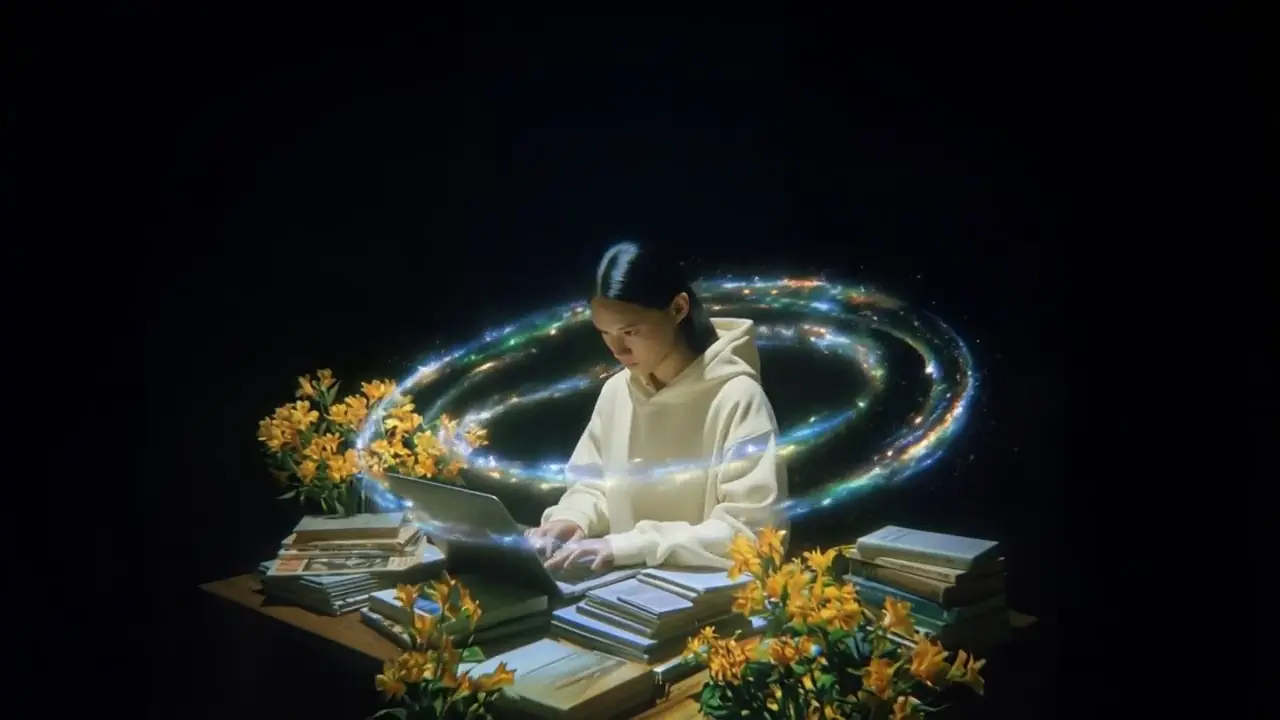
Grok Imagine Video — xAI's native-audio video model — fast, cheap, and 1080p out of the box.
xAI · From 40 credits / 5s on Dahab Studio.
Grok Imagine Video is xAI's text-to-video and image-to-video model. It generates 1–15 second clips at 720p or 1080p with native synchronised audio — meaning no separate TTS or SFX pipeline is needed for most use cases. On Dahab Studio you pay by the second in EGP credits with no monthly subscription required.
Specs
- Max duration: 15s
- Resolution: 720p / 1080p
- Aspect ratios: 16:9, 9:16, 1:1, 4:3, 3:4, 3:2, 2:3
- Native audio: Yes
- Multi-reference: No
- Pricing: 40 cr / 5s, 79 cr / 15s
Use cases
- Social-media shorts: Generate 9:16 vertical clips for Instagram Reels, TikTok, and YouTube Shorts with audio baked in — no separate sound pass.
- Quick concept videos: Test a creative idea in 15 seconds for under 80 EGP. Iterate on prompts without burning a Veo or Seedance budget.
- Image-to-video animation: Upload a still image and animate it with a one-line prompt. Grok preserves the source frame as the start frame.
- Brand atmosphere clips: Cinematic mood reels for landing pages and product hero sections — wide aspect ratios up to 16:9.
Grok Video vs alternatives
- vs Google Veo 3.1: Cheaper per second, longer max duration (15s vs 8s), and direct API access. Veo wins on photorealism for premium shots.
- vs Bytedance Seedance 2.0: Faster generation and lower cost. Seedance wins when you need multi-reference (4 images + 1 video).
- vs Pika: Native audio is included; no separate audio step. Pika requires SFX as a paid add-on.
Frequently asked questions
- How much does Grok Imagine Video cost on Dahab Studio?
- 5-second clips cost 40 credits (40 EGP), and 15-second clips cost 119 credits (~$2.27 USD equivalent). Pay-as-you-go via Stripe or Egyptian wallets — no subscription needed.
- Does Grok Imagine generate audio?
- Yes. Grok produces native synchronised audio in the same generation pass — ambient sound, dialogue, music — so you don't need a separate TTS or SFX step.
- Can I use Grok Imagine for image-to-video?
- Yes. Upload a reference image and Grok will use it as the starting frame, animating from there based on your prompt. Available in the Generate page under image-to-video.
- What aspect ratios does Grok support?
- 16:9, 9:16, 1:1, 4:3, 3:4, 3:2, and 2:3. Vertical 9:16 is the default for social-media workflows.
- Is Grok Imagine Video available in Arabic?
- Yes, prompts can be written in Arabic and Grok handles the visual generation. For Arabic dialogue with lipsync, use Dahab's Talking Head tool which routes through Grok video + ElevenLabs Egyptian TTS.
Related models
- Kling V3 Omni — Multi-reference video — up to 4 images + 1 video + audio output in one model.
- Bytedance Seedance 2.0 — Universal-reference video — up to 4 images + 1 video + 1 audio file.
- Google Veo 3.1 Fast — Google's fast-tier Veo 3.1 — 1080p with native synchronised audio.
Generate with Grok Video →
← All AI video models on Dahab Studio
Grok Imagine Video على Dahab Studio
Grok Imagine Video متاح لإنشاء فيديوهات AI من Dahab Studio بتسعير محلي بالكريدت والجنيه المصري. يمكنك كتابة الوصف بالعربية أو الإنجليزية، مع ترك أسماء النماذج مثل Grok Video بالإنجليزية لتسهيل البحث والمقارنة.
لماذا يستخدمه صناع المحتوى العرب؟
- إنشاء فيديوهات قصيرة للإعلانات والريلز والشورتس.
- دعم أوامر عربية مع ترجمة الجزء المرئي قبل إرساله للنموذج.
- عند وجود حوار عربي، يتم توجيهه لمسار TTS ومزامنة الشفاه بدلاً من الاعتماد على صوت النموذج الأصلي.
- تكلفة واضحة: من 40 كريدت تقريباً حسب المدة والإعدادات.
أسئلة شائعة بالعربي
- هل يدعم Grok Video الأوامر العربية؟
- نعم. Dahab Studio يسمح بالكتابة بالعربية، ويفصل الحوار العربي عن الوصف المرئي عندما يحتاج الفيديو لصوت واضح.
- هل أسماء النماذج مترجمة؟
- لا. نترك أسماء النماذج بالإنجليزية مثل Grok Imagine Video لأنها أسماء منتجات يبحث عنها المستخدمون كما هي.
- هل يناسب الإعلانات التجارية؟
- نعم، خاصة للمحلات، المطاعم، الملابس، السجاد، الخدمات، صناع المحتوى، ووكالات التسويق التي تحتاج إنتاج سريع بتكلفة واضحة.